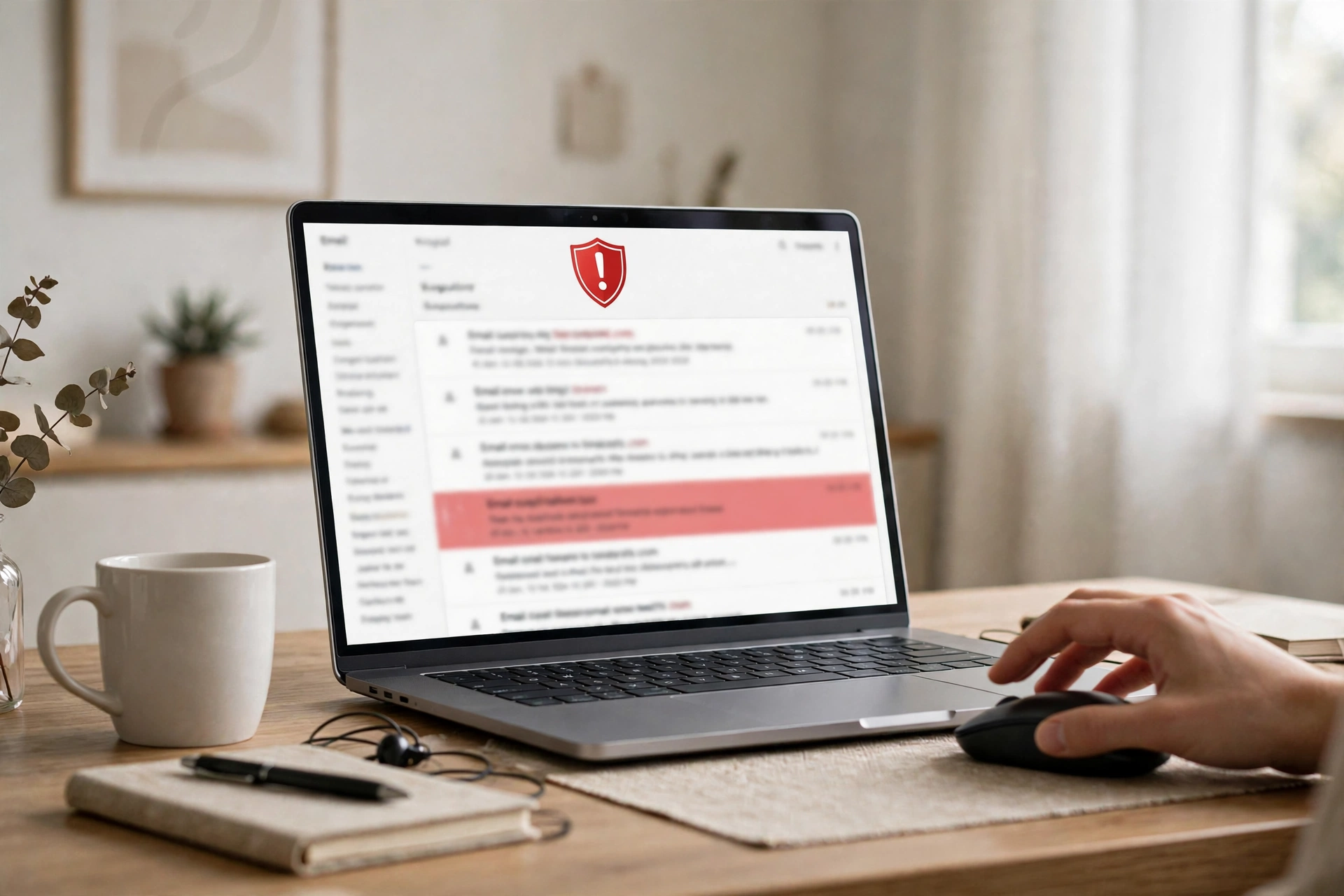
Phishing is the most reported cybercrime in the United States. The FBI’s Internet Crime Complaint Center received 193,407 phishing and spoofing complaints in 2024 — more than double the next most common category. The emails behind those complaints all share one thing: they look just real enough to make a busy person click. The good news is that almost every phishing email gives itself away if you know where to look. This guide walks through the seven red flags to check, a ten-second routine to run before you click anything, and exactly what to do if you already clicked.
What Is a Phishing Email?
A phishing email is a message designed to trick you into handing over something valuable — usually a password, a payment, or access to your computer. The sender pretends to be someone you trust: your bank, a delivery company, your employer, or a service you actually use. The email then pushes you toward a fake login page, a malicious attachment, or a phone number controlled by the scammer. Once you enter your credentials on the fake page, the attacker can use them on the real one.
Phishing works because it exploits routine, not stupidity. The emails arrive during the workday, mimic services you use every week, and create just enough urgency to short-circuit a careful look. Spotting them is a skill, and like any skill it gets faster with practice.
7 Red Flags That Give a Phishing Email Away
1. The sender’s address doesn’t match the company
The display name might say “PayPal” or “Microsoft Support,” but the actual address is what matters. Look closely: paypal-security-alerts.com, micros0ft-support.net, or an address ending in a free email service is not the real company. Real companies send mail from their own domain. On a phone, tap the sender’s name to reveal the full address before you trust it.
2. A generic greeting
“Dear Customer,” “Dear User,” or “Dear Valued Member” is a warning sign. Companies you do business with usually address you by name. Scammers send the same message to millions of people, so they cannot personalize it. This alone does not prove an email is fake — some legitimate newsletters use generic greetings — but combined with any other flag on this list, it should stop you.
3. Urgency, threats, or pressure
“Your account will be closed in 24 hours.” “Suspicious activity detected — verify now or lose access.” “Your package will be returned today.” Urgency is the phisher’s favorite tool because it makes you act before you think. Real companies do send security alerts, but they do not demand that you click a link within hours or threaten immediate account closure in a single email.
4. Links and attachments that don’t add up
Hover over a link (on a computer) or press and hold it (on a phone) to see where it really goes. If the visible text says amazon.com but the link points to amzn-verify-login.net, close the email. Be equally suspicious of unexpected attachments — invoices, shipping labels, and “voice messages” you never asked for are common ways to deliver malware. A genuine company rarely sends an attachment you did not request.
5. An offer that is too good to be true
You won a prize you never entered. A refund is waiting for you. A job pays far above the market rate for almost no work. These are bait. The prize always requires you to “confirm” your identity, pay a small fee, or log in through a link — and that step is the whole point of the email.
6. Sloppy writing
Odd phrasing, grammar mistakes, inconsistent capitalization, and strange formatting used to be the easiest giveaway. Modern phishing emails are often well written — some are even generated by AI — so clean writing no longer proves an email is real. But sloppy writing is still a strong signal in the other direction: a real bank does not send emails full of typos.
7. A request for sensitive information
No legitimate company will email you asking for your password, full card number, PIN, or one-time code. Ever. The same goes for unusual payment methods: gift cards, cryptocurrency, wire transfers, and payment apps are the payment methods of scammers precisely because they are hard to reverse. Any email that asks for one of these is phishing, full stop.
The 10-Second Check Before You Click
Make this a habit for every unexpected email with a link or attachment:
- Check the sender’s real address, not just the display name.
- Hover over the link and read the destination domain. If it is not the company’s real domain, don’t click.
- Ask whether you expected this email. Did you order a package, request a password reset, or open a support ticket? If not, be skeptical.
- Go to the source yourself. Instead of clicking, open the company’s app or type its address into your browser and check your account there. If the message was real, the alert will be waiting for you inside your account.
One thing the check cannot rely on: the padlock icon. A padlock only means the connection to a site is encrypted — phishing sites use HTTPS too. It tells you nothing about who runs the site.
What to Do If You Already Clicked
Clicking a phishing link does not automatically mean you are compromised — but act quickly, in this order:
- Don’t enter anything. If the link opened a login page, close it without typing credentials.
- If you did enter a password, change it immediately — from a different device if you can — and change it everywhere else you reused it.
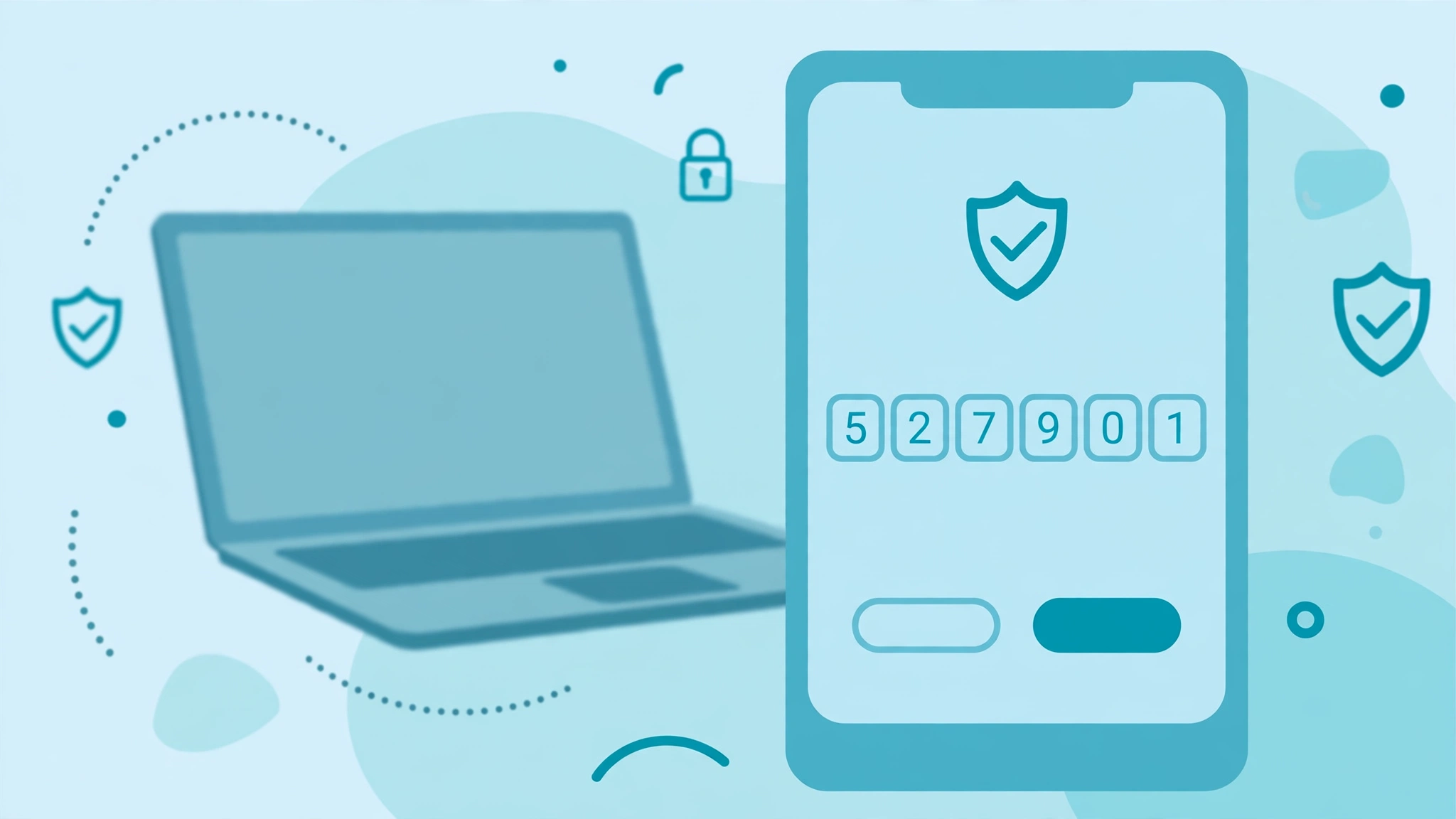
- Turn on two-factor authentication for the affected account. An authenticator app is stronger than a text-message code; our guide to two-factor authentication for beginners walks through the setup step by step.
- Check your accounts for unfamiliar logins, sent messages, or changed settings, and review recent transactions.
- Run a malware scan if you downloaded or opened an attachment.
- Report it. Use the “Report phishing” option in Gmail or Outlook, and report the scam to the FTC at ReportFraud.ftc.gov. Reporting helps providers block the same campaign for everyone else.
Good habits around the rest of your accounts reduce the damage when one slip happens. A password manager means every account has a unique password, so one stolen credential doesn’t open everything else. And if you often check email on public networks, a VPN adds a layer of protection against snooping on untrusted Wi-Fi — though it does nothing against phishing itself, which targets you, not your connection.
FAQ: Spotting Phishing Emails
Can a phishing email infect my computer just by opening it?
Simply opening an email is very unlikely to infect a modern, updated email client — the danger is in clicking links and opening attachments. That said, some email clients load remote images that confirm your address is active. If an email looks suspicious, don’t click anything inside it, including the unsubscribe link.
What if the email comes from someone I know?
Attackers regularly hijack real accounts and email the victim’s contacts. If a message from a friend or colleague is out of character — an unexpected invoice, a strange link, an urgent request for money — verify it through a different channel, like a phone call or a text, before acting on it.
Are text-message phishing scams (smishing) the same thing?
Yes, the same playbook with a different medium. Fake delivery notifications, bank alerts, and toll-payment texts are extremely common. The same rules apply: don’t tap the link, check the sender, and go to the company’s app or site directly.
How do I report a phishing email?
In Gmail, open the message, click the three-dot menu, and choose “Report phishing.” In Outlook, use the “Report” button and select “Report phishing.” You can also forward the message to the FTC at ReportFraud.ftc.gov. If the email impersonates your bank or another company, forward it to that company’s published abuse or phishing address as well.
Final Thoughts
Phishing emails succeed by looking ordinary, and the volume behind them is enormous — nearly 200,000 complaints reached the FBI in a single year, and those are only the cases people reported. The defense is not expensive software or special knowledge. It is a ten-second pause: check the sender, inspect the link, and go to the source yourself. Make that pause automatic, keep unique passwords and two-factor authentication on your important accounts, and a phishing email becomes an annoyance you delete instead of a problem you spend a weekend fixing.