Every podcast, YouTube video, and tech blog seems to be sponsored by a VPN company. The ads all sound urgent: hackers are watching, your ISP is selling your data, you need “military-grade encryption” right now. It’s exhausting — and it makes a simple question surprisingly hard to answer: do you actually need a VPN in 2026? The honest answer is: sometimes, for specific reasons. Here’s the no-sponsorship version.
What a VPN Actually Does (Without the Marketing)
A VPN (virtual private network) routes your internet traffic through an encrypted tunnel to a server run by the VPN company, then out to the website you’re visiting. That does exactly two things:
- It hides your traffic from your local network and ISP. Your internet provider, your hotel’s Wi-Fi operator, or the person sniffing the café network can no longer see which sites you visit.
- It makes websites see the VPN server’s location instead of yours. Connect to a server in London and websites think you’re in London.
That’s it. A VPN does not make you anonymous — the VPN company itself can see your traffic, and you’re still logged into Google, Facebook, and every other account that tracks you. Anyone selling a VPN as an invisibility cloak is selling you something it can’t deliver.
When You Actually Need One: 4 Legitimate Reasons
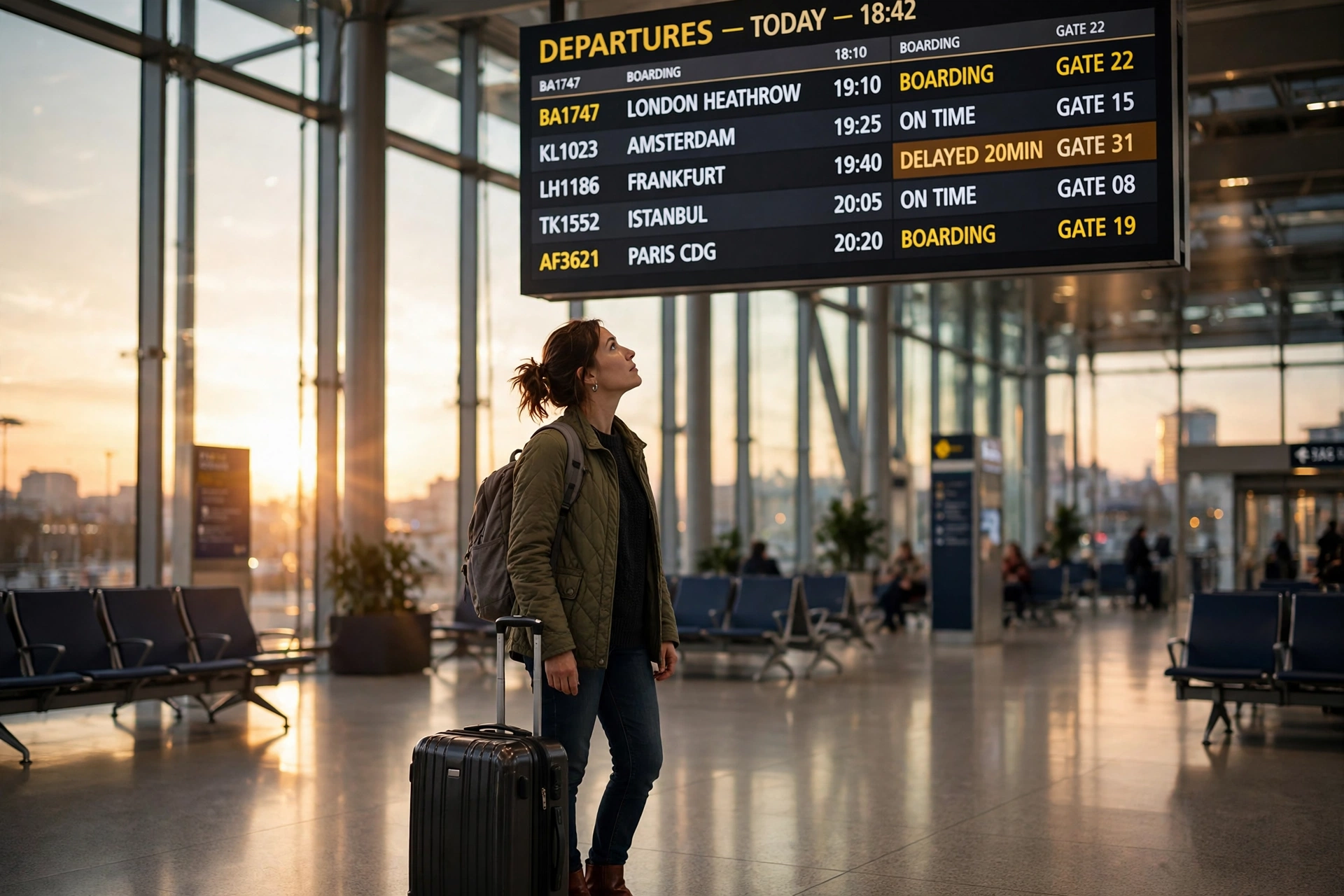
1. Public Wi-Fi on the road. This is the strongest case. Hotel, airport, and café networks are genuinely risky — unencrypted networks let anyone with basic tools see unprotected traffic. A VPN encrypts everything leaving your device, which closes that hole completely. If you travel, this alone justifies a VPN. Pair it with the other habits in our public Wi-Fi safety guide for travelers and you’re well covered.
2. Accessing your home country’s services abroad. Streaming libraries, banking apps, and news sites often block or limit foreign connections. A VPN server in your home country gets you back in. This is probably the most common real-world VPN use — not security theater, just practical access.
3. Bypassing censorship or network blocks. If you live in or visit a country that blocks certain sites and apps, a VPN is often the only reliable workaround. Same goes for restrictive school or workplace networks (though check the rules before you circumvent them).
4. Stopping ISP-level snooping and throttling. Some ISPs log browsing data for advertising or throttle specific services like video streaming. A VPN hides your activity from the ISP. Whether this matters to you depends on your provider and your country’s privacy laws.
When You Don’t Need One: 4 Things VPNs Can’t Do
1. Protect you from phishing and malware. A VPN encrypts your connection; it does nothing about the fake bank email you just clicked. Most “hacking” that affects regular people is phishing, not network interception. Your password manager and a healthy suspicion of urgent emails matter far more.
2. Make you anonymous. You’re still logged into your accounts, your browser still has a unique fingerprint, and the VPN provider itself knows who you are and what you do. If you need real anonymity, you need Tor plus serious operational discipline — not a $4/month app.
3. Secure websites that are already encrypted. In 2026, virtually every major website uses HTTPS — the padlock in your browser. That encryption already protects your data between you and the site. A VPN adds a second tunnel on top, which is redundant for most browsing on trusted networks like your home Wi-Fi.
4. Speed up your connection. VPN ads sometimes imply this. In reality, routing through an extra server almost always slows you down slightly (5–15% with a good provider, much more with a bad one). The only exception: if your ISP is deliberately throttling a specific service, a VPN can bypass the throttle.
How to Choose One (If You Decided You Need It)
The VPN market is crowded, and the review sites ranking “top 10 VPNs” are mostly affiliate farms. Ignore the rankings and check these five things instead:
- Independently audited no-logs policy. This is the big one. A VPN that logs your activity defeats its own purpose. Look for providers whose no-logs claims have been verified by a third-party audit (reputable firms publish the reports) — not just claimed on a marketing page.
- Jurisdiction. Where the company is legally based determines which governments can demand its data. Providers based in privacy-respecting jurisdictions with no mandatory data retention are preferable to those in surveillance-alliance countries.
- Speed and server network. You want servers in the countries you actually need, with modern protocols (WireGuard is the current standard for speed). Most good providers offer a speed test or a money-back trial — use it.
- Transparent pricing. The “$2.99/month*” asterisk usually means a 2–3 year prepayment with renewal at triple the price. The honest providers charge $4–6/month on annual plans with clear renewal terms.
- Apps for your devices. Make sure it has well-maintained apps for everything you use — phone, laptop, and ideally your router or travel router if you’re often on hotel Wi-Fi.
And if you’re setting up connectivity for a trip anyway, sort out your mobile data at the same time — our eSIM guide for travelers covers setup, costs, and providers for 2026, since a VPN plus a proper eSIM is the complete travel connectivity kit.
The Free VPN Warning
Running VPN servers costs real money. If the VPN is free, you’re paying somehow — usually with your data. Multiple “free VPN” apps have been caught logging and selling browsing data, injecting ads, or worse. There are a couple of reputable freemium providers with genuinely limited free tiers (used as a funnel to paid plans), but as a rule: if a VPN costs nothing and has no clear business model, it is the product being sold — specifically, you are.
The Bottom Line
Do you need a VPN in 2026? If you regularly use public Wi-Fi, travel internationally, or want to access geo-blocked services — yes, it’s a cheap, effective tool for those specific jobs. If you mostly browse at home on HTTPS sites and want “total anonymity” — no, a VPN won’t give you that, and the ads are overselling it. Buy one for what it actually does, from a provider with an audited no-logs policy, and skip the fear-based marketing. That’s the whole decision.