Start Small and Start With a Problem
The biggest beginner mistake with smart home devices is buying gadgets before knowing what problem they solve. A smart home is not a collection of toys; it is a set of small automations that remove friction from your day. Lights that turn themselves off, a thermostat that learns your schedule, a doorbell that shows you who is there when you are not home. Pick one annoyance in your daily routine and solve that first. Everything else can follow.
The Three Devices Worth Buying First
For most beginners, the best first purchases are a smart speaker or display, two or three smart bulbs, and a smart plug. The speaker becomes your voice control hub. Smart bulbs let you schedule lighting, dim rooms, and stop leaving lights on in empty rooms. A smart plug turns any dumb device, like a fan or a lamp, into a scheduled one. Together these three cost less than a nice dinner out and teach you how the whole ecosystem works.
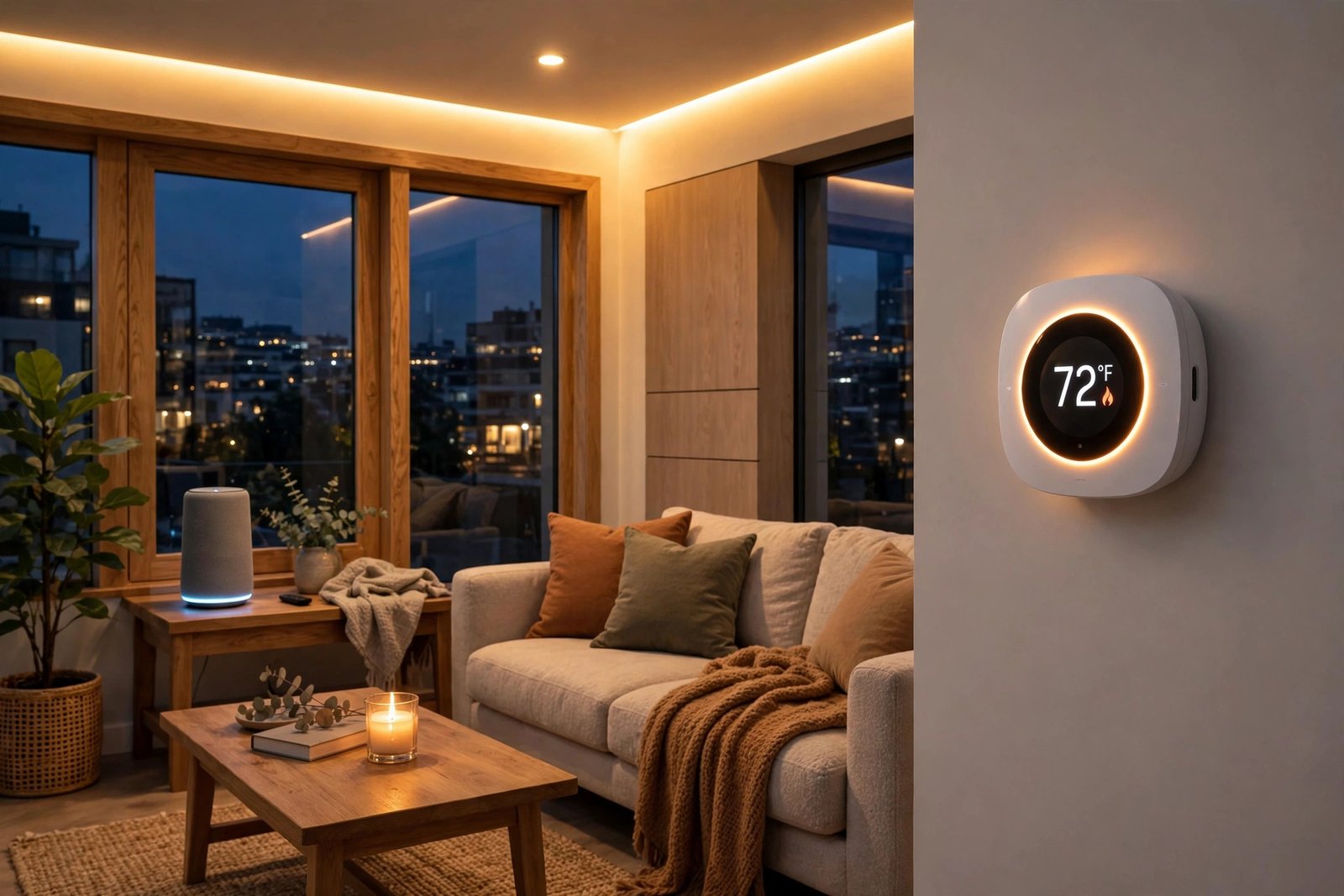
The second wave depends on your home. Renters get the most from a video doorbell and a smart lock, both of which usually install without drilling. Homeowners tend to add a smart thermostat next, because heating and cooling are the biggest energy bills in most houses. Our guide to practical AI tools covers the software side of automation if you want to go deeper into routines and integrations.
Pick One Ecosystem and Stick With It
Smart home devices work best inside one ecosystem, such as Google Home, Amazon Alexa, or Apple Home. Mixing ecosystems leads to the classic beginner headache: three apps, two voice assistants, and automations that half work. Before buying anything, check that your chosen devices all support the ecosystem you already use on your phone.
The Matter standard has made this easier. Devices with the Matter logo are designed to work across the major platforms, so a Matter-certified bulb should pair with whichever system you run. When shopping in 2026, look for the Matter badge on the box; it is the closest thing the industry has to a compatibility guarantee.
Security and Privacy: The Part Beginners Skip
Every smart device is a networked computer in your home, and it deserves the same basic security as your laptop. Use a unique strong password for your smart home accounts and turn on two-factor authentication everywhere it is offered. Our password manager guide makes managing those unique passwords painless.
Keep device firmware updated, because updates patch the vulnerabilities that attackers actually exploit. Put smart home gadgets on a separate guest Wi-Fi network if your router supports it, so a compromised bulb cannot reach your computers. And review what your voice assistant records; all major platforms let you delete voice history and limit ad personalization. Our beginner’s guide to VPNs explains another layer of protection for the data leaving your home network.
Automations That Are Actually Useful
Once your devices are set up, automations are where the magic happens. The most useful beginner routines are boring on purpose: all lights off when the last person leaves, porch light on at sunset, thermostat lowered at bedtime, and a morning routine that gradually brightens the bedroom. These run silently every day and you stop thinking about them, which is exactly the point.
Resist the urge to automate everything in week one. Add one routine at a time and live with it for a few days. Over-automation creates a different kind of friction: lights that turn off while you are reading, or a speaker that mishears commands at 2 a.m. Simple and reliable beats clever and flaky.
Mistakes to Avoid
Do not buy the cheapest no-name devices from unknown brands. They often have terrible apps, stop receiving updates within a year, and may phone home to servers you would rather not think about. Stick to established brands or Matter-certified products with real review histories.
Do not automate anything safety-critical as your first project. A smart lock is fine; a DIY automated deadbolt on your only exit door is not a beginner project. And do not assume everything needs to be smart. Some things, like a kettle or a basic lamp, work perfectly well with a ten-dollar timer plug or just your hand.
One more tip: name your devices clearly in the app as you add them. “Living Room Lamp” beats “Smart Bulb 3” when you are talking to a voice assistant at midnight, and clear names make automations far easier to build and troubleshoot later.
FAQ
A solid starter setup, smart speaker plus a few bulbs and a plug, runs about 100 to 200 dollars. Most people spend more over time as they add rooms, but you do not need to buy everything at once.
Most need internet for voice control and remote access, though many still respond to local controls like switches when the connection drops. Devices using Matter over Thread handle local control better than older Wi-Fi-only gadgets.
The beginner devices in this guide are genuinely plug-and-play: screw in a bulb, plug in a speaker, follow the app. Thermostats and wired doorbells can need basic wiring comfort, so check compatibility with your home first.
Yes. Smart speakers, bulbs, plugs, and most video doorbells install without permanent changes. Avoid wired thermostats and anything that requires drilling unless your landlord approves.