A training program with twenty learners and a changing schedule creates a communication problem before the first lesson: announcements get lost and the timetable is unclear. The answer is one shared channel: a single address that reaches everyone enrolled in the course at once.
What Is Education Training Collective Email?
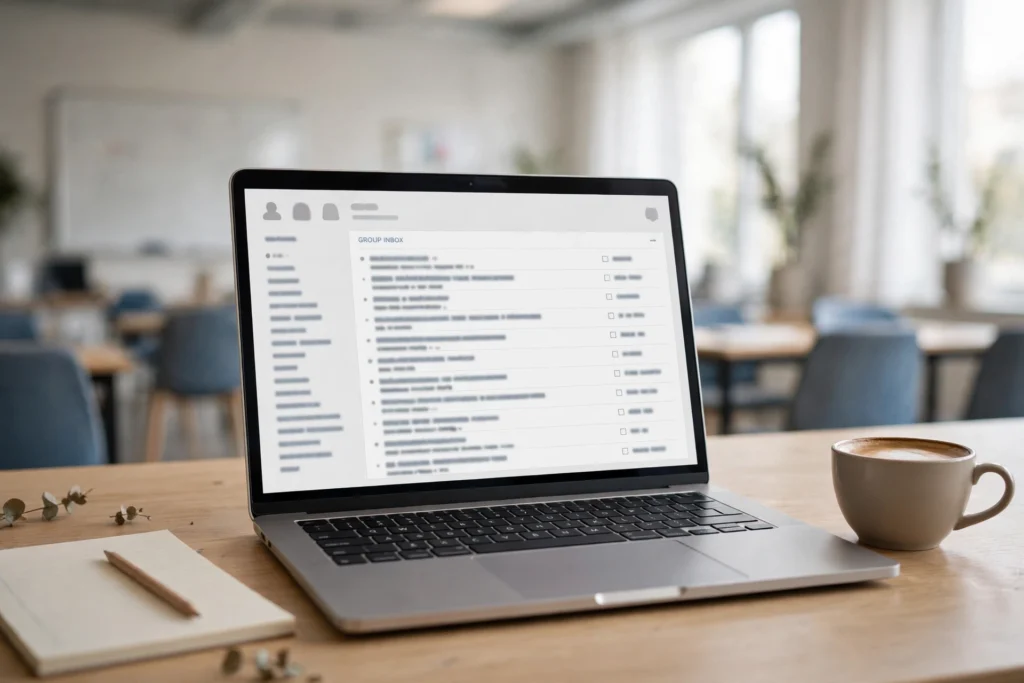
An education training collective email is a group email system for a learning program. Instead of messaging each learner individually, the instructor sends one email to a shared list, and every member of the group receives it. It can take several forms: a mailing list where one sender addresses the whole group, a shared group inbox monitored by several staff members, or the built-in messaging of a learning management system.
The key difference from ordinary email is the audience. A collective email goes to a defined group with a shared purpose — a class, a workshop cohort, a certification batch, or a company training group. Everyone on the list has a reason to receive the message — the same announcement that would be unwanted mail to a stranger is expected and welcome to an enrolled learner. For learners weighing longer-term study, understanding education career paths can help decide between a short training program and a full degree.
When a Collective Email Helps — and When It Does Not
It works best for information the whole group needs at the same time: class announcements, schedule changes, links to study materials, assignment reminders, and answers to questions several learners have asked. A weekly summary helps learners who missed a session catch up without chasing the instructor.
It is the wrong channel for anything personal or sensitive: grades, individual feedback, payment issues, and personal circumstances should never go to the whole group. Urgent problems are another poor fit — a learner who checks mail once a day will miss a message about a room change in an hour — so use a phone call or instant message instead. The rule is simple: if the message matters to everyone and nobody would be embarrassed to see it shared, the collective email is the right tool. If either condition fails, use a private message instead.
How to Set Up a Collective Email for a Training Program
Define the audience first. Decide exactly who belongs on the list: enrolled learners only, or instructors and teaching assistants as well. Create a fresh list for each cohort and close the old one when the program ends, so past learners do not keep receiving mail.
Choose the right tool. A mailing list works for one-way announcements; a shared group inbox fits programs where several staff members answer questions. If training already runs inside a learning management system, its built-in messaging may be enough — pick the simplest option that covers the program’s needs.
Set expectations on day one. Tell learners what the list is for, how often to expect mail, and what to do if they need individual help — a short welcome email covering the purpose, the reply rules, and where to find materials prevents most problems later.
Manage subscriptions carefully. Add learners only after they enroll and remove them promptly when they leave or finish; an outdated list reaches the wrong people and misses the right ones. Administrators who also manage staff records should keep credential checks in a separate system — for example, a dedicated process to verify educator credentials — rather than mixing administrative checks into group emails.
Writing Training Emails People Actually Read
Write a clear subject line. The subject should say what the email is about and, when relevant, by when action is needed: “Assignment 3 due Friday — submission link inside” beats “Important update.”
Put one action in each email. An email that announces a schedule change, shares three readings, asks for feedback, and reminds learners about payment will get none of those things done well. Two items deserve two short emails, not one long one.
Lead with the point. Put the essentials — what changed, what is due, where to find it — in the first two or three lines. Background can follow, but nobody should have to read four paragraphs to find a deadline.
Schedule with intent, and link instead of attaching. Send reminders early enough to act on, not the night before a deadline, and keep a weekly rhythm: one summary email at a fixed time each week, plus separate messages only when something genuinely changes. Link to documents rather than attaching them, so learners always open the current version.
Privacy and Consent Basics
Only email people who signed up for the program, and only about that program. Learners who enrolled in a photography course did not agree to receive promotions for unrelated products, and sending them damages trust in the training itself.
Keep personal data out of group threads: never share a learner’s phone number, address, grades, or payment details with the whole list. Every list also needs a way out — make it easy for a learner who has finished or withdrawn to leave, and honor the request promptly.
Common Mistakes to Avoid
Too many emails. When every small update becomes a group message, learners stop opening any of them. Reserve the list for information the group genuinely needs, and batch minor items into the weekly summary.
Reply-all chaos. A list where every learner can reply to everyone invites long threads that bury the original message. For announcement lists, restrict replies to the instructor only; use a forum or chat group if discussion is wanted.
Burying deadlines. A deadline hidden in the third paragraph of a long email will be missed. Put dates where they cannot be missed: the subject line, the first line, and in bold if the email is long.
No archive. Learners join late or lose emails, so keep a simple archive — a shared document, a course page, or a folder of past announcements — so the collective email is not the only copy of important information.
Frequently Asked Questions
What is the difference between a collective email and a regular group chat?
Email is slower, more formal, and easier to search and archive. A group chat suits quick questions; email suits announcements and anything learners may need to find again weeks later.
Can a collective email replace a learning management system?
No. Email delivers messages; it does not track progress, host quizzes, or organize course content. It works best alongside a learning platform, not instead of one.
How often should training emails be sent?
As often as the group genuinely needs new information, and no more — for most courses, one summary per week plus occasional messages for real changes.
What should never be shared in a collective training email?
Grades, individual feedback, personal contact details, payment information, and anything shared in confidence. If a message is about one person, it belongs in a private email.
Conclusion
A collective email is a simple tool, and its value comes from discipline rather than technology: a clear audience, one action per message, honest subject lines, and respect for learners’ privacy. Set it up with care and keep sensitive matters private, and the group inbox becomes the quiet backbone of a well-run training program.